Always Clearly an AI
The other side is a fictional AI character you design, never a real person. Do not present an AI call as a real person to anyone else.
AI video call
Create an AI character from an original image, choose a voice and a personality, then talk to them in a live video call. Pay first: $4.99 one-time for up to 5 minutes, no subscription. You speak with your microphone and see the character; your camera stays off.
Video calls are live. Pay first: $4.99 one-time for up to 5 minutes, no subscription.
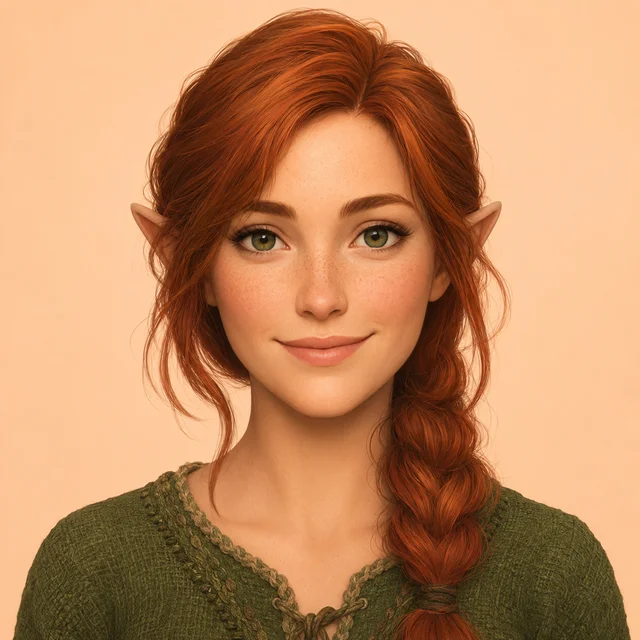
mia voice · Fictional AI character
Hey… you're up late too? I was hoping you'd call.
Start a video callCamera stays off · $4.99 for 5 minutes · Sign-in is asked at Start
Choose an original character, or upload one clear image. Use original characters or images you have the right to use. No real people without their permission. Pick one of 30 preset voices, a scene and a personality, and preview the image and opening line.
Sign in with a free verified account to save your character, check your microphone, then start the call. Waiting for the connection does not use your call time.
A $4.99 purchase gives up to 5 minutes. You choose a time limit for each call, and unused reserved time returns to your balance when the call ends.
Designing and previewing a character is free. Video calls are paid upfront: $4.99 USD adds up to five minutes of video time. It is a one-time purchase with no subscription.
Example only, built from this page’s default character and scene. It is not a recording or a real conversation.
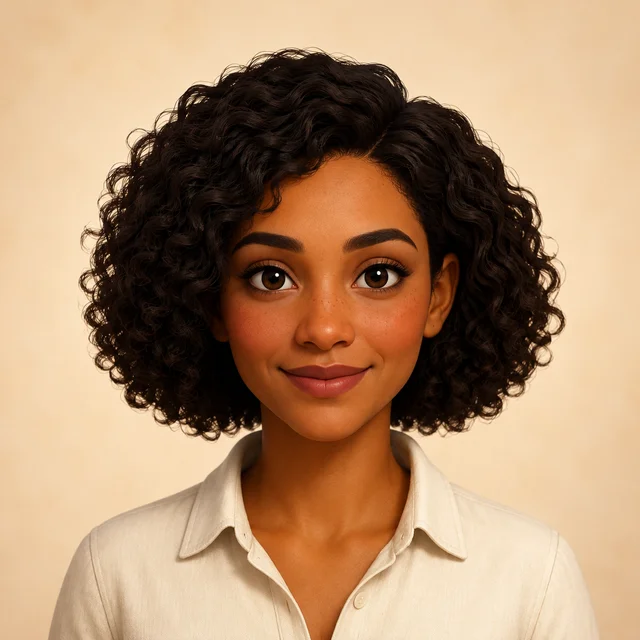
Late-night call
Hey… you're up late too? I was hoping you'd call.
The other side is a fictional AI character you design, never a real person. Do not present an AI call as a real person to anyone else.
You talk through your microphone and see the character. The site does not use your camera, and you do not need to show your face.
Your saved image, voice and direction are reused each time. The character does not carry memories from past conversations, but you can add background in Advanced settings.
It is a live conversation where you speak and an AI character answers in a voice while its animated face is shown on screen. On AIVideoChat the character is one you create from an image, a voice and a personality.
Yes. Choose a character in the call tool above, check your microphone, unlock call time and start a call.
No. You speak through your microphone and see the AI character. Your camera stays off.
Video calls are paid: $4.99 USD adds up to five minutes of video time as a one-time purchase with no subscription.
No. Calls use paid time: $4.99 for up to five minutes, one-time. Designing a character and the five-reply text chat are free.
No. The character is always a fictional AI. This site does not match you with human strangers.
Use one clear, front-facing image, or choose one of our original characters. Use original characters or images you have the right to use. No real people without their permission.
A free verified account is needed to save a character and to buy call time. The separate five-reply text chat needs no account.